

 See My Latest Article on HelloNation
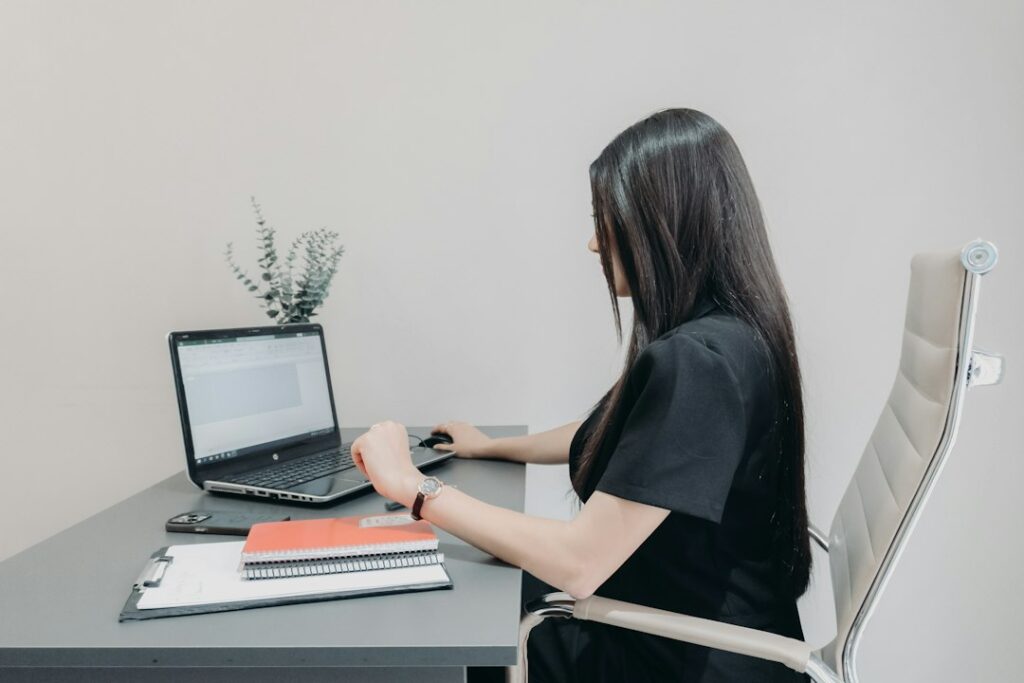
Long periods at a computer can leave the neck, shoulders, wrists, hips, and lower back feeling stiff. Simple movements performed throughout the workday can reduce the effects of staying in one position, especially when combined with regular standing and walking breaks.
Desk stretches should feel gentle rather than forceful. Move slowly, breathe normally, and stop if a stretch causes sharp pain, numbness, tingling, dizziness, or symptoms that travel down an arm or leg.
Why do office workers become stiff?
Sitting is not automatically harmful, but remaining in one position for a long time can fatigue the muscles that support the head, shoulders, and spine. Computer work also tends to involve repeated keyboard and mouse movements, forward-reaching, and prolonged looking at a screen.
A well-arranged workstation helps, but even a good setup does not eliminate the need to move. Neutral posture generally means:
- The head is balanced over the torso rather than pushed forward.
- Shoulders are relaxed, with elbows close to the body.
- Wrists remain fairly straight while typing or using a mouse.
- Feet are supported by the floor or a footrest.
- The back is supported, with the hips and knees at comfortable angles.
- The monitor is positioned so the head does not have to tilt up or down for extended periods.
During colder months in Coeur d'Alene, ID, people may spend more time indoors with limited movement between work tasks. A brief stretch near a window, during a phone call, or before transitioning to household responsibilities can help break up long periods of sitting.
How often should you stretch at a desk?
A practical goal is to change position every 30 to 45 minutes, although the best schedule depends on the type of work and individual comfort. The break does not need to be long. Standing up, walking a short distance, or completing two or three gentle stretches can be enough to interrupt static posture.
Try pairing movement with routines that already happen during the day:
- Stretch after finishing a meeting.
- Stand while reviewing a document.
- Walk briefly before beginning a new task.
- Use a natural pause in a phone call to relax the shoulders.
- Set a quiet reminder if hours pass without a position change.
Stretching is useful, but it is not a substitute for regular physical activity. A short walk, stair climbing, or other moderate movement provides benefits that seated stretching alone does not.
Which neck and shoulder stretches are easiest?
Neck and shoulder movements are often the most useful starting point because screen work can cause the head and shoulders to drift forward.
Chin tuck
Sit or stand tall without looking up or down. Gently draw the chin straight back, as if making a small double chin. Hold for three to five seconds, then release.
Repeat five to eight times. The movement should be small. Do not force the head backward or press the chin toward the chest.
Side neck stretch
Let the shoulders remain relaxed. Slowly tilt the right ear toward the right shoulder until a mild stretch is felt along the left side of the neck. Hold for 10 to 20 seconds, then switch sides.
Keep the face pointed forward. Avoid pulling on the head with the hand, which can make it easier to stretch too aggressively.
Shoulder rolls
Lift the shoulders gently toward the ears, move them backward, and then let them drop. Complete five slow circles, then reverse direction.
This can be done while seated, but standing may make it easier to notice whether the shoulders are truly relaxing.
Upper-back reach
Clasp the hands in front of the body, straighten the arms, and gently round the upper back while allowing the shoulder blades to move apart. Hold for 10 to 20 seconds.
Keep the lower back comfortable and avoid collapsing completely into the chair.
What stretches help the wrists, hands, and forearms?
Typing and mouse work can leave the hands and forearms tired, particularly when the wrists remain bent or the mouse is positioned too far away.
Wrist extensor stretch

Extend one arm in front with the palm facing down. With the other hand, gently guide the fingers toward the floor until a mild stretch is felt along the top of the forearm. Hold for 10 to 15 seconds and switch sides.
Wrist flexor stretch
Extend one arm with the palm facing up. Gently guide the fingers downward and away from the forearm. Hold briefly, then change sides.
The wrist should not be pushed into a painful angle. If stretching increases tingling, burning, or numbness, stop and allow the hand to rest.
Hand opening
Make a relaxed fist, then slowly spread the fingers wide. Hold for a moment before relaxing. Repeat five to 10 times.
This is a movement exercise rather than a deep stretch and can be useful during long periods of keyboard work.
What can help the hips, legs, and lower back?
The hips and legs often become stiff simply because they remain bent in the same position. These movements can be performed beside a stable desk or chair.
Seated hip stretch
Sit near the front of the chair with both feet supported. Place the right ankle over the left knee. Keep the back long and lean forward slightly until a mild stretch is felt around the right hip. Hold for 10 to 20 seconds, then switch sides.
Do not press down on the raised knee. If the position causes hip or knee discomfort, skip it.
Seated leg extension
Straighten one leg until the heel reaches forward and the leg is comfortable. Hold for a few seconds, lower it, and repeat with the other leg.
This encourages movement through the knees and hips without requiring a large amount of space.
Standing calf stretch
Place both hands on a desk or wall for balance. Step one foot back, keep that heel down, and bend the front knee slightly. Keep the back leg pointing forward. Hold for 15 to 20 seconds, then switch sides.
Make sure the surface is stable and the floor is not slippery, especially during wet or snowy seasons when shoes may track moisture indoors.
Gentle standing back extension
Stand with feet about hip-width apart and hands resting lightly on the lower back or hips. Gently lift the chest and look forward without arching deeply. Hold for a few seconds, then return to neutral.
This should feel like a change of position, not a forceful bend.
What should office workers avoid?
A stretch should create mild tension, not pain. Avoid bouncing, holding the breath, or forcing a joint beyond a comfortable range. Do not stretch over a new injury or use a desk or chair that rolls, slides, or feels unstable for support.
Stretching also cannot correct every source of discomfort. Persistent pain may be related to workstation height, chair support, repetitive tasks, vision strain, an injury, or another health condition. Symptoms such as ongoing numbness, weakness, loss of coordination, significant swelling, or pain that regularly disrupts sleep deserve medical evaluation.
The most useful routine is usually brief and repeatable: relax the shoulders, move the neck gently, open the hands, change the hip and leg position, then stand or walk for a few minutes. Consistency matters more than performing a long series of difficult stretches once a week.